Microclimates
Design that grows with the business
An ongoing design partnership, connecting an evolving brand, website, and product experience.
What I did
- Creative direction
- Brand identity and guidelines
- Product branding and app iconography
- Website design and copywriting
- Exhibit graphics
- UI design concepts
Over roughly four years, each new Microclimates brief has marked a change in the business: a new product, a new feature, or a different way of explaining its offering. As designer and creative director at Swivel Studio, I’ve helped translate those changes into a connected brand, website, and product experience, working closely with the client as the business grows.
A brand with room to grow
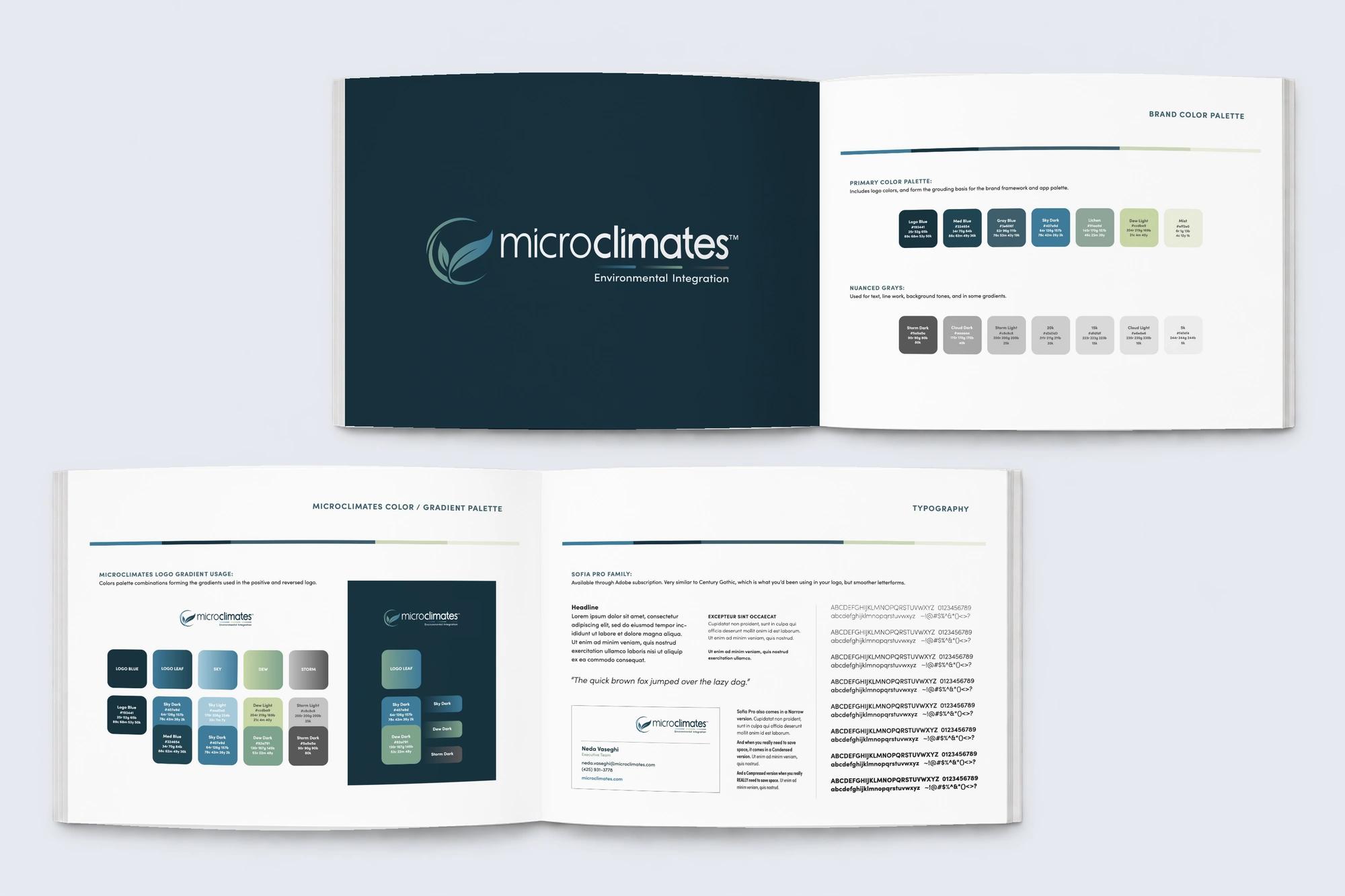
As Microclimates expanded its technology, its simplified presentation needed to communicate a broader offering. A modernized logo and tagline, an expanded color palette that included gradient color pairings for their logo and app icons, and updated typography gave the brand room to grow. A concise set of brand guidelines brought the elements together for consistent use across the company’s materials.

A connected product family
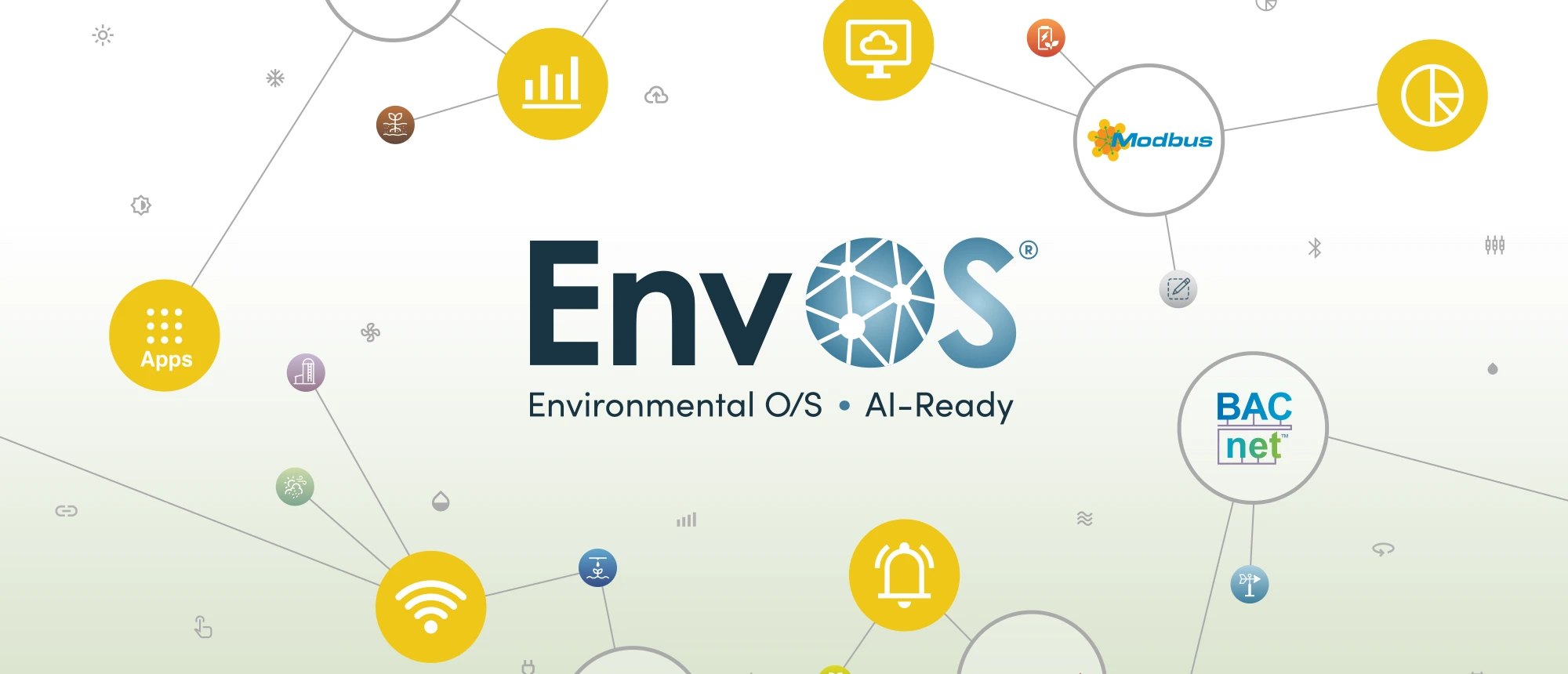
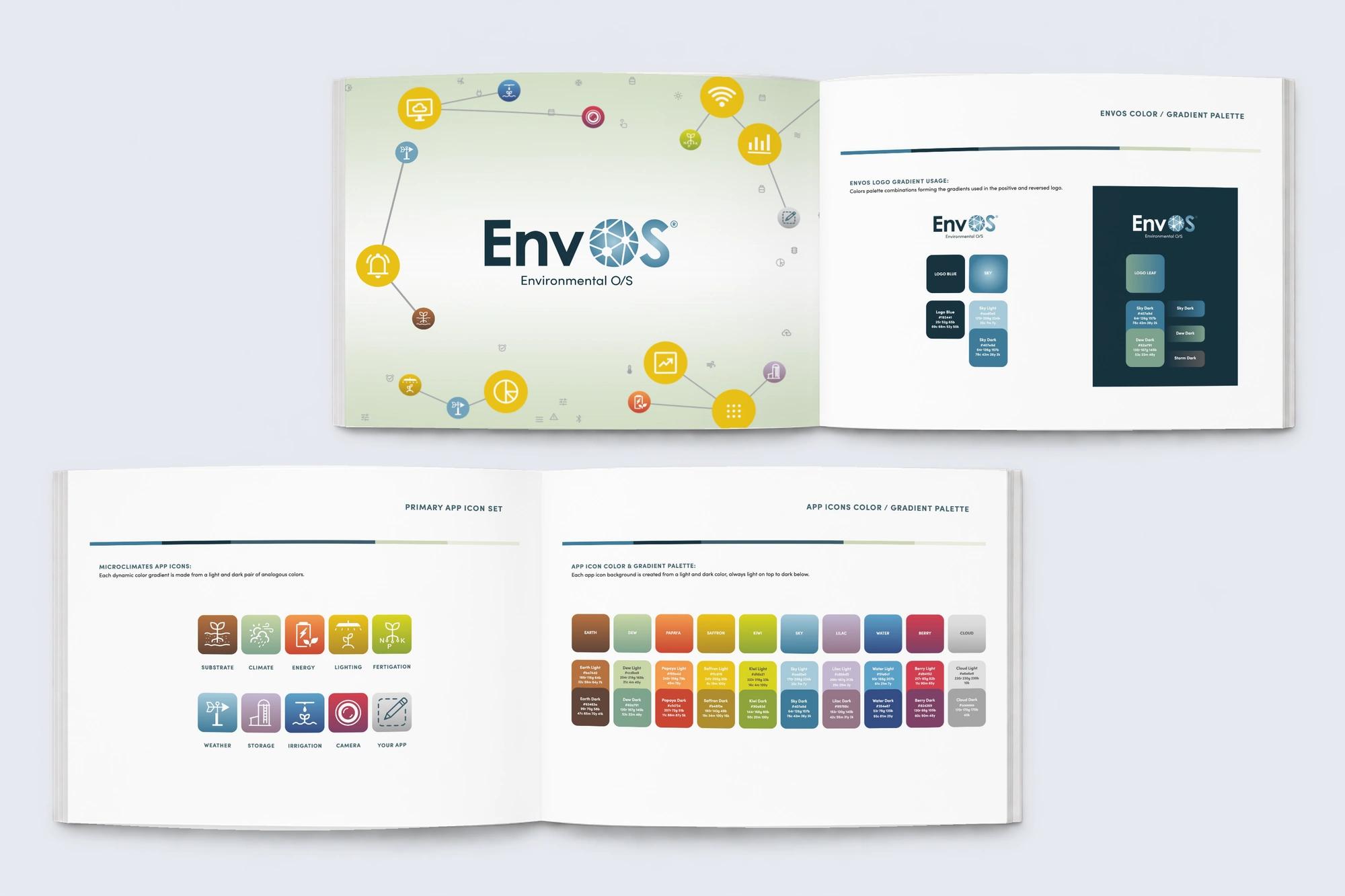
For EnvOS, short for Environmental Operating System, I developed a distinct product logo, color palette, and network illustrations to support the shift in how Microclimates described its flagship offering.
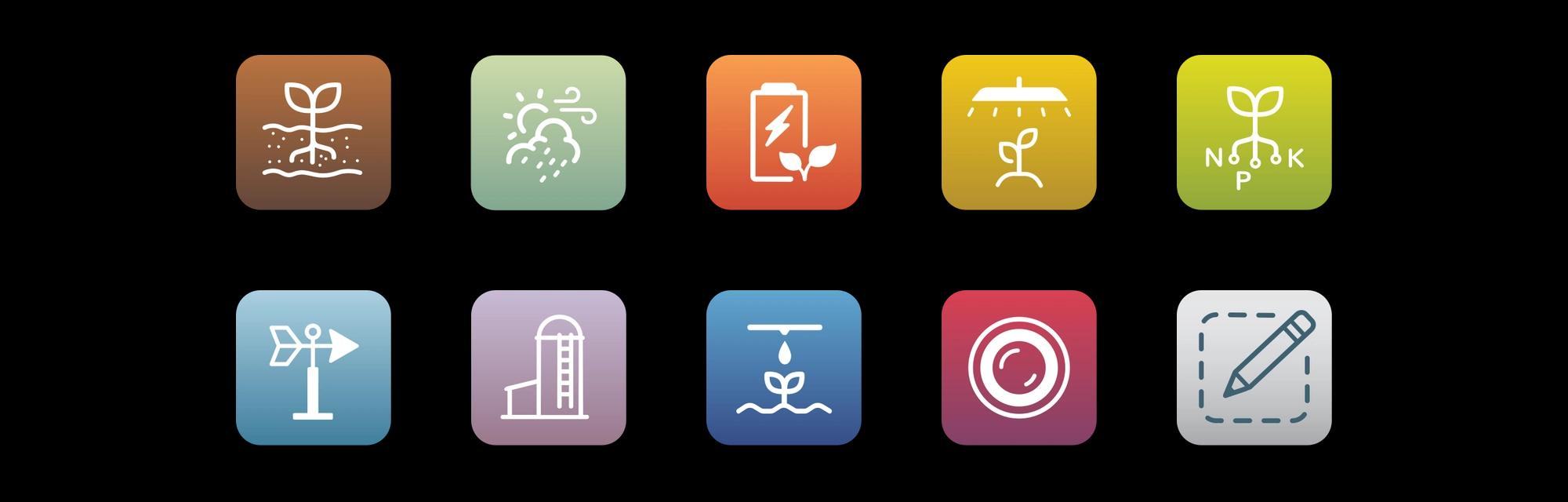
Illustrations from their Web 1.0 site became the starting point for a family of 10 icons for the apps that run on EnvOS, carrying a familiar visual language into the product offering.

The brand in person and on screen
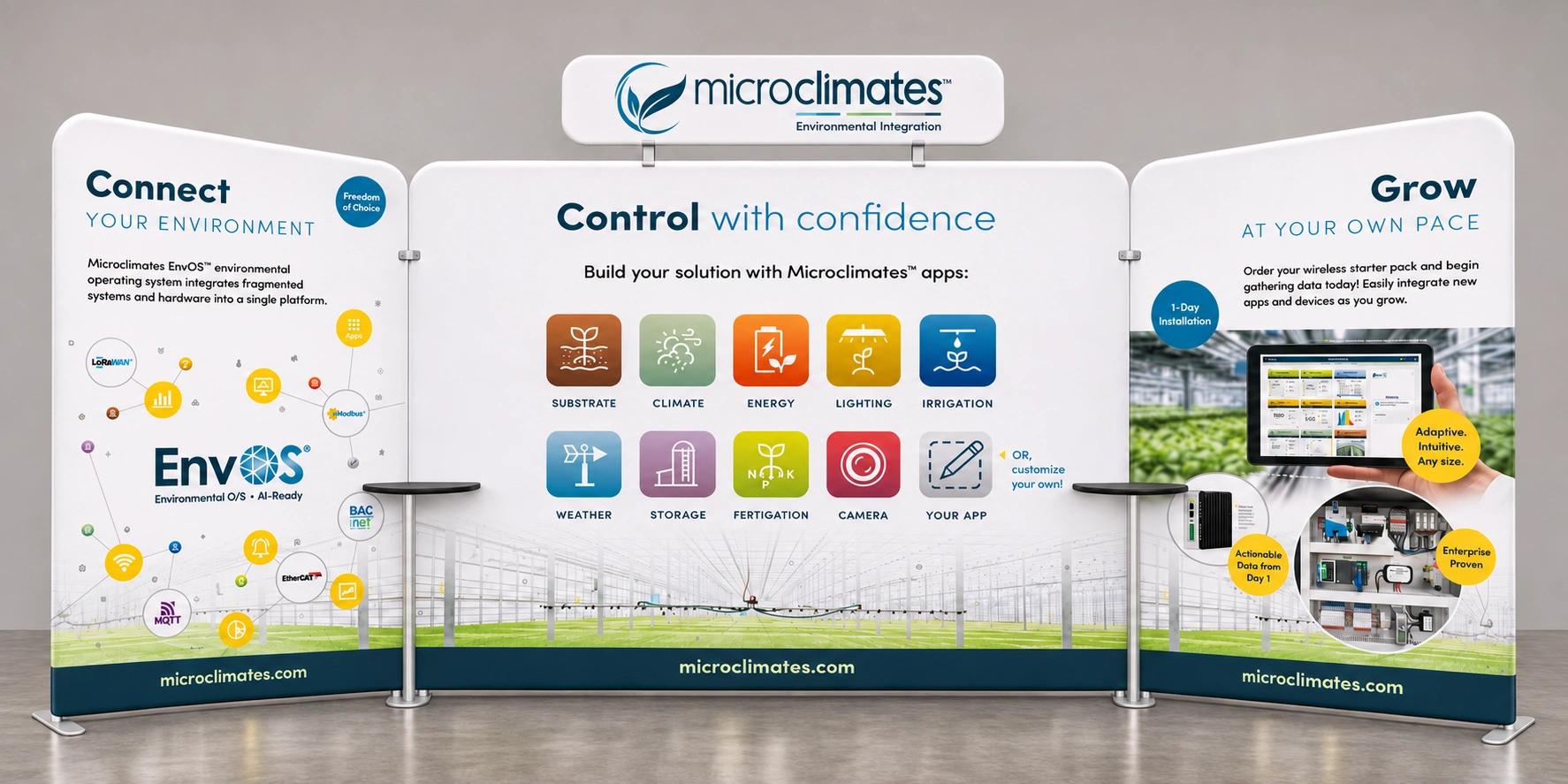
I laid out the 10′ × 20′ exhibit around Connect – Control – Grow to guide sales conversations at industry events. Network illustrations, app icons, and product views give the team visual talking points and help visitors picture the system in their own operations.
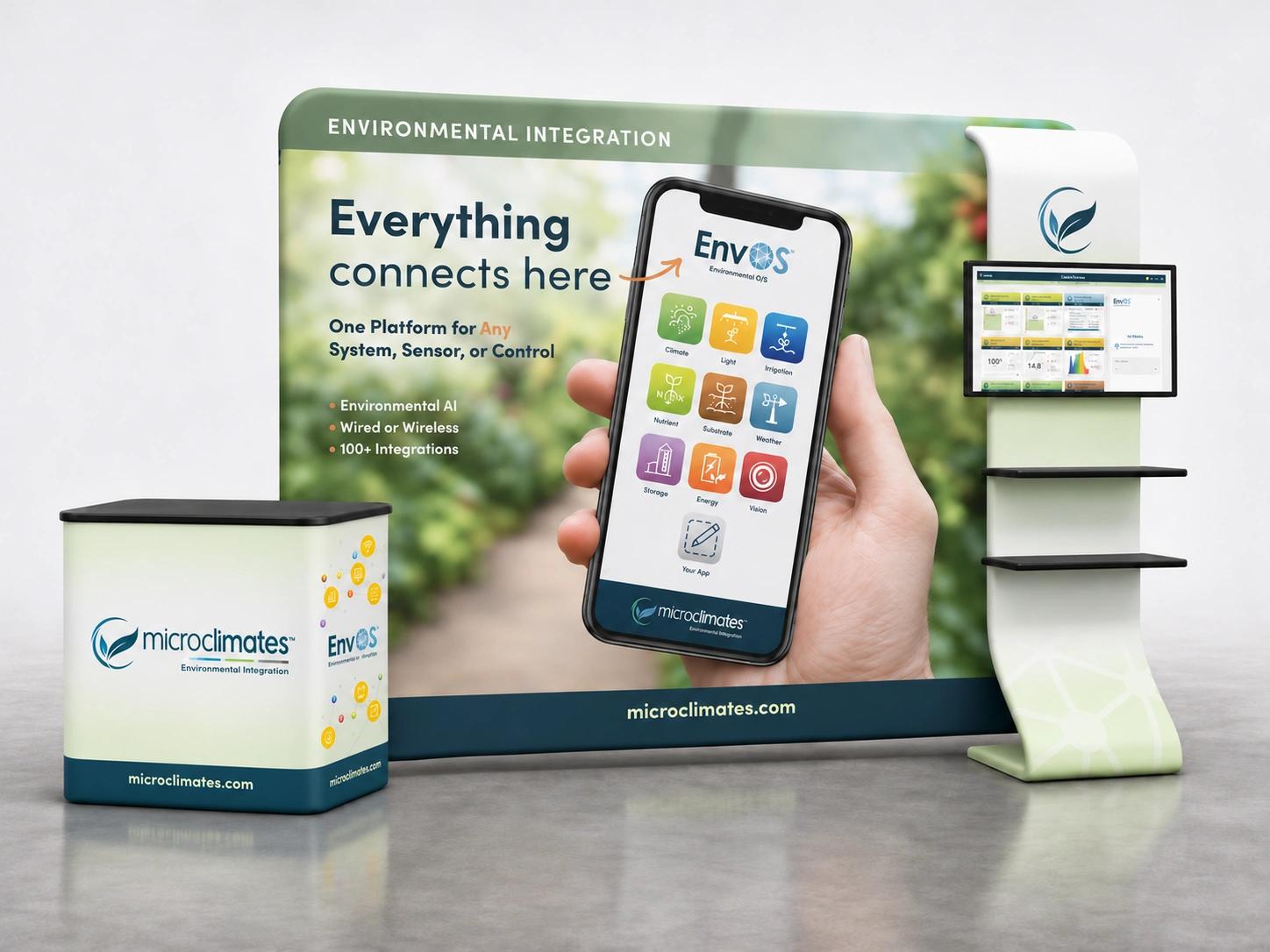
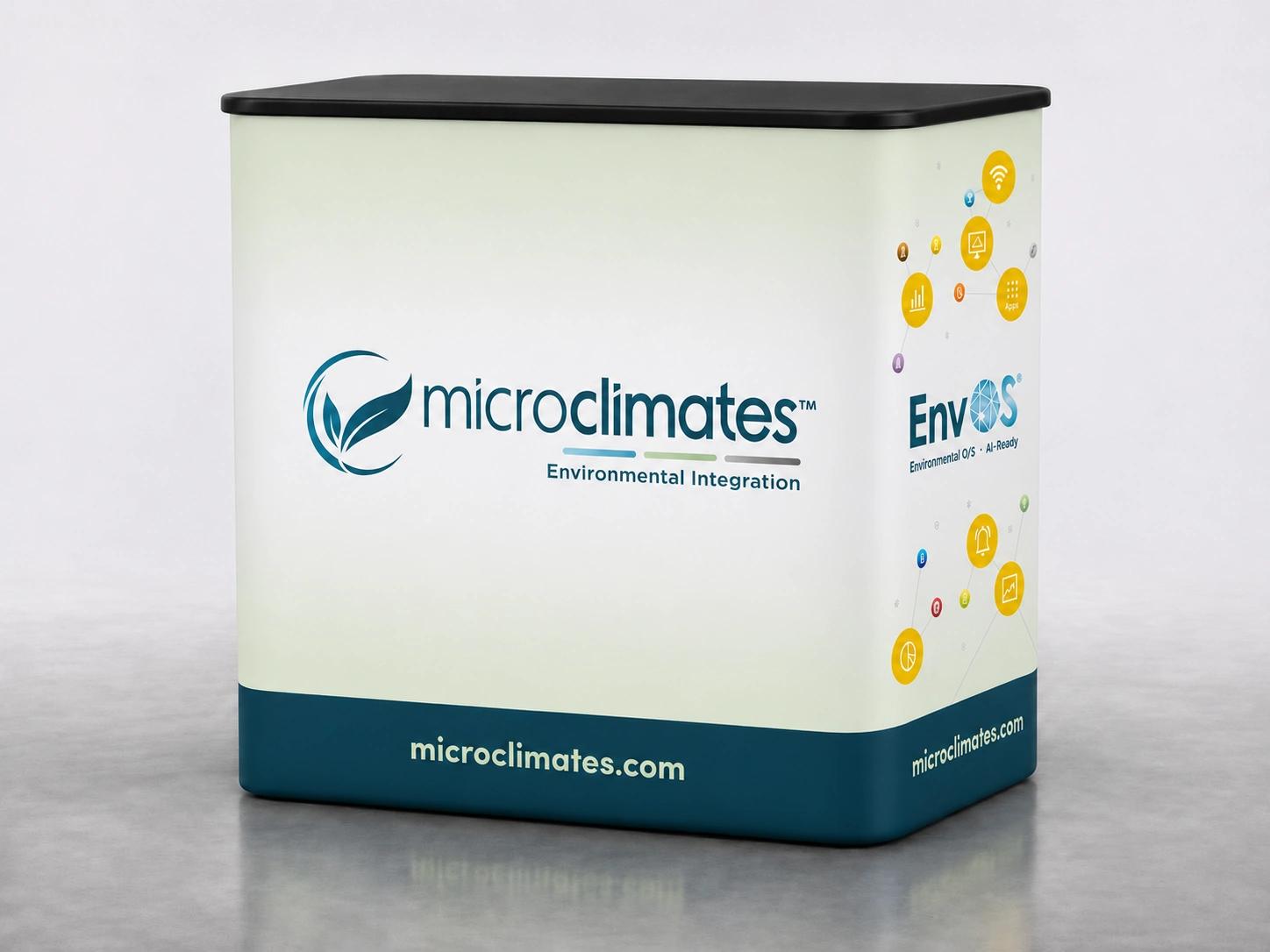
Graphics for this booth, its podium, and a 10′ × 10′ booth with a branded shelving kiosk were designed to mix and match, including with elements from earlier exhibits. This kept the presentation consistent across different spaces.
Making the offering easier to explain
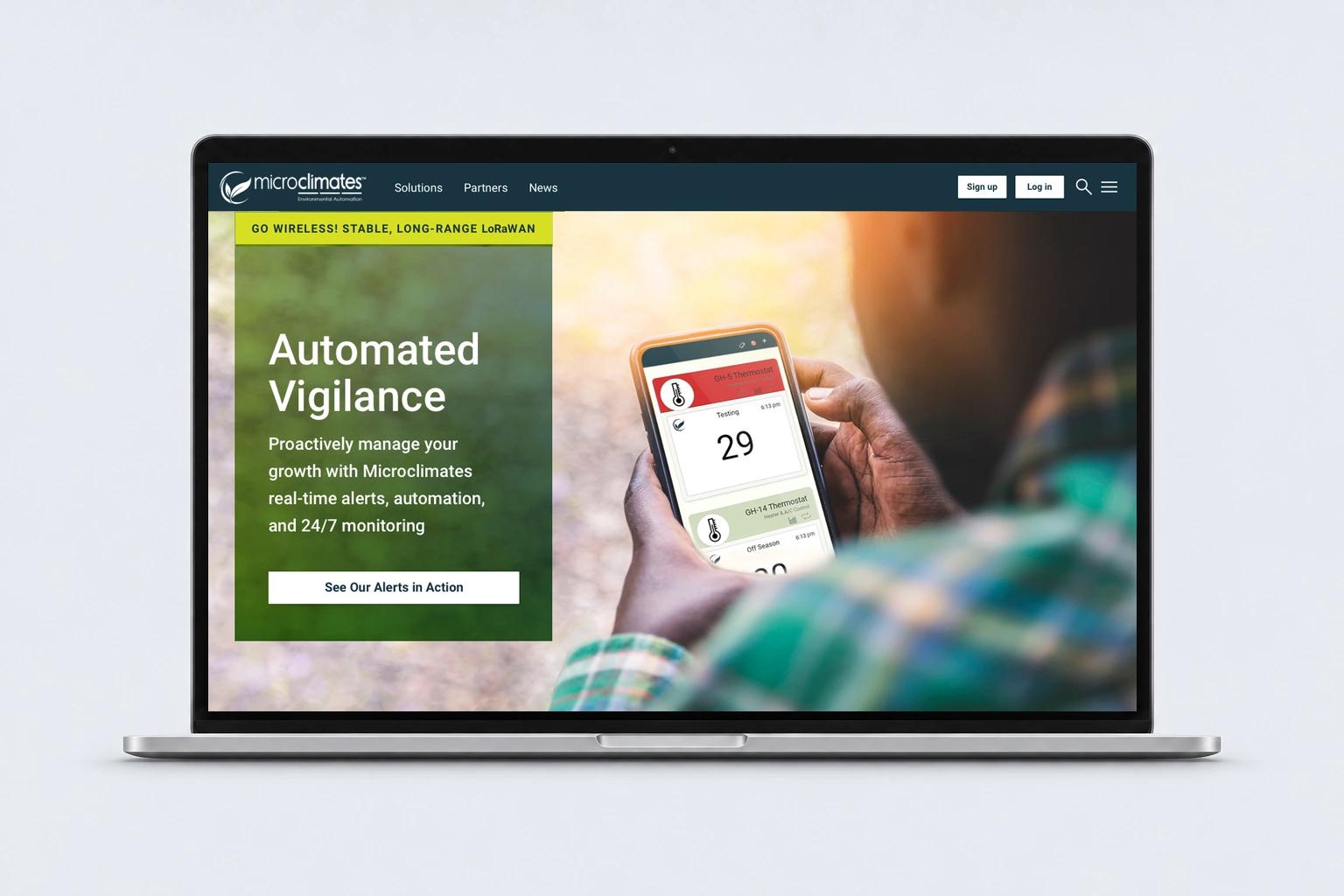
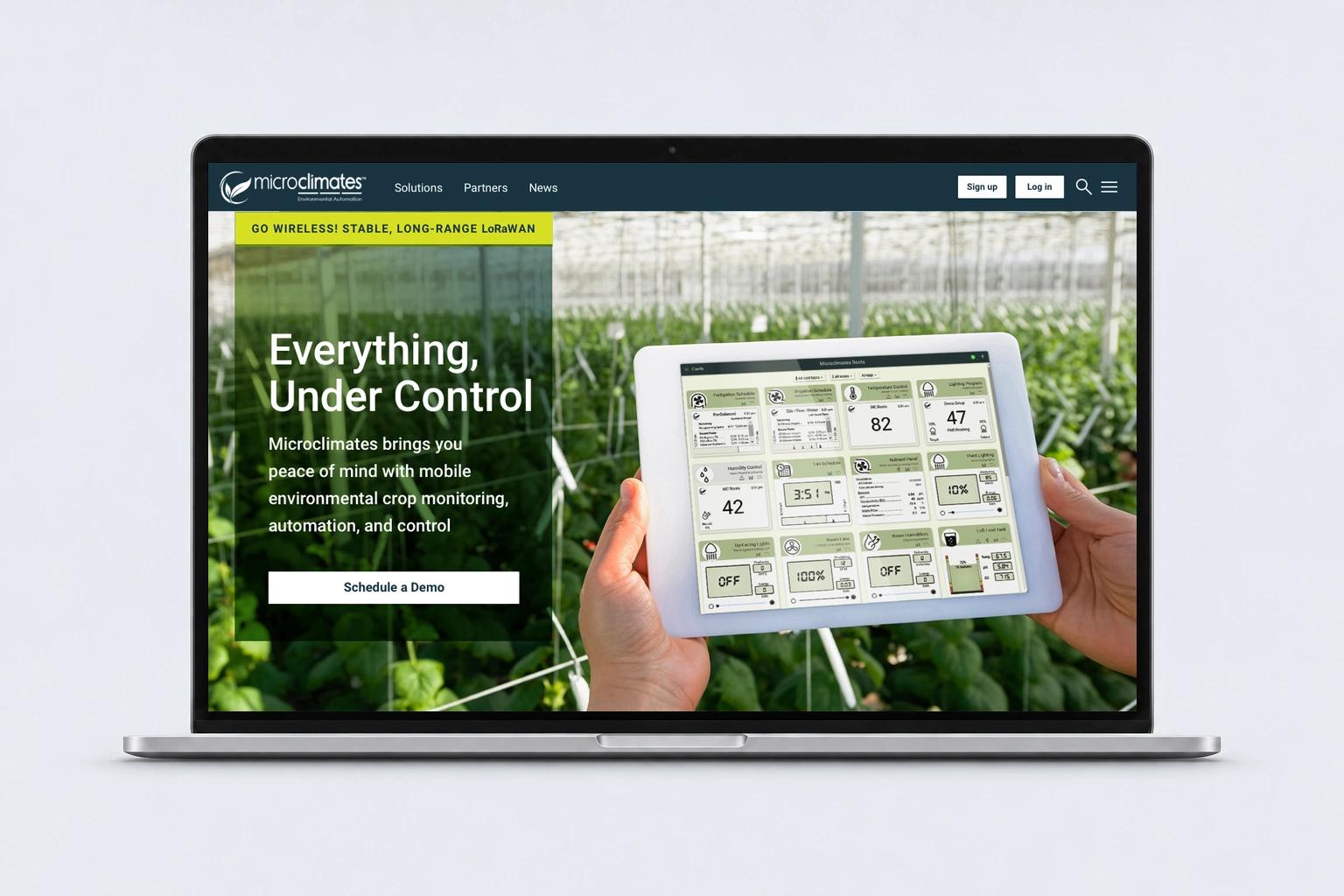
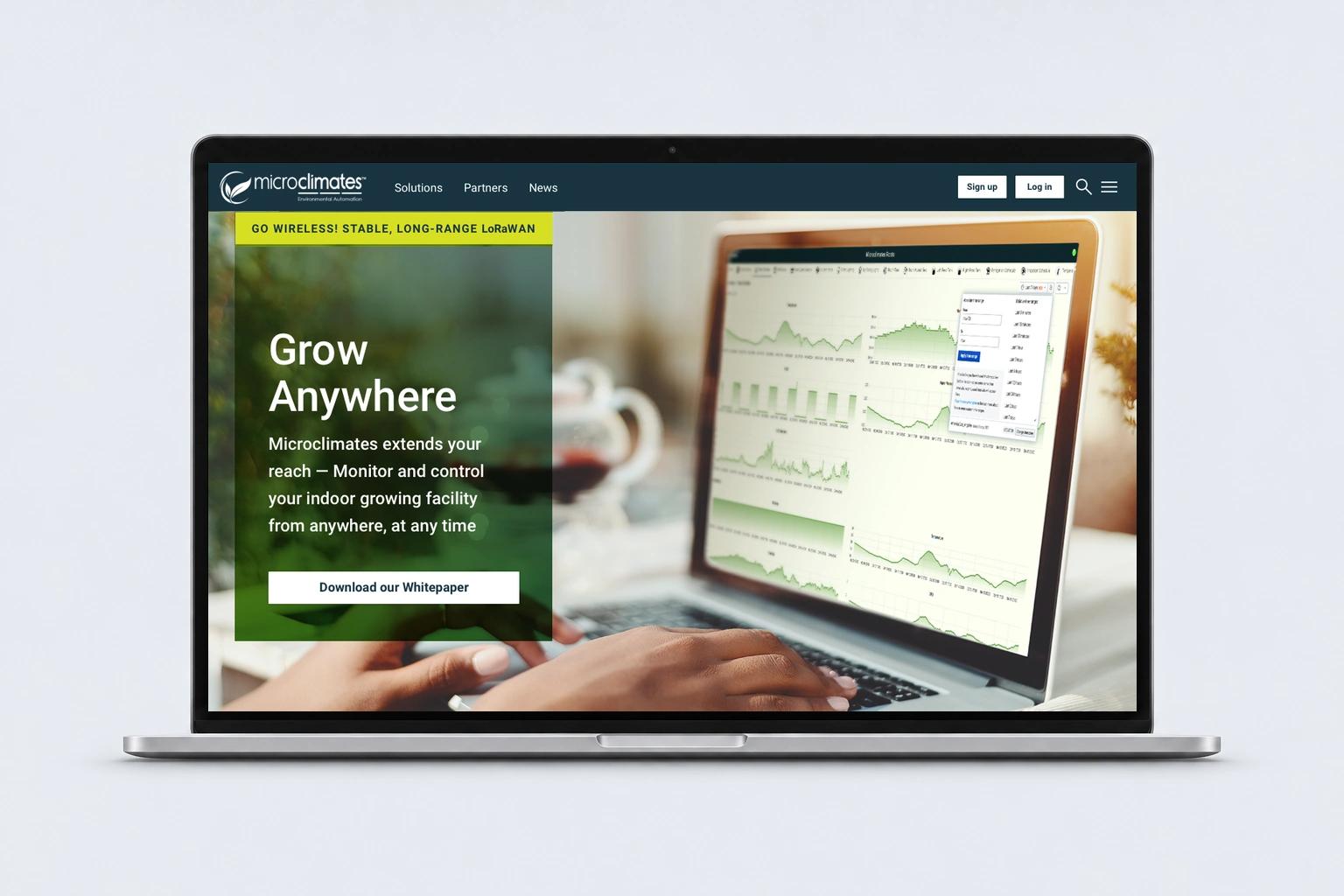
Microclimates helps growers monitor, automate, and control agricultural environments and beyond. As its software evolved and growers became more familiar with intelligent agriculture, each iteration of the website had a different job. I shaped the structure, design, and copy around those changing priorities.
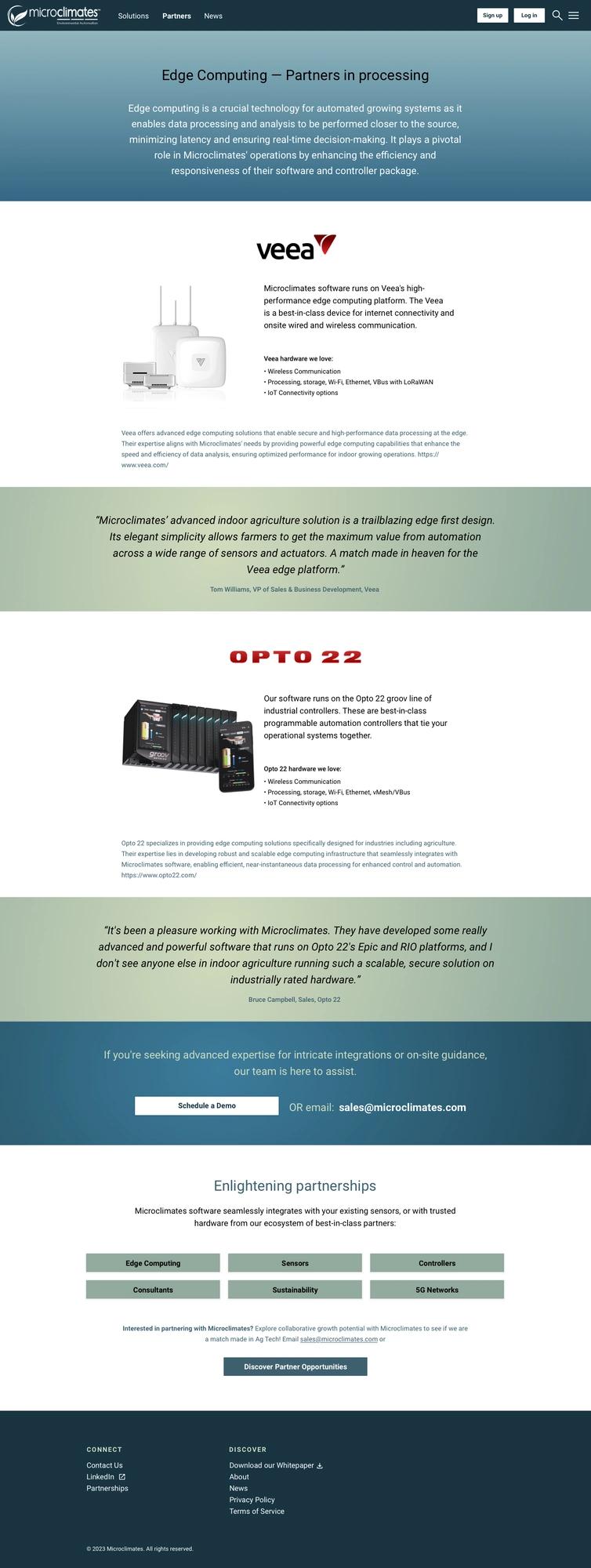
Web 1.0: A complete website redesign
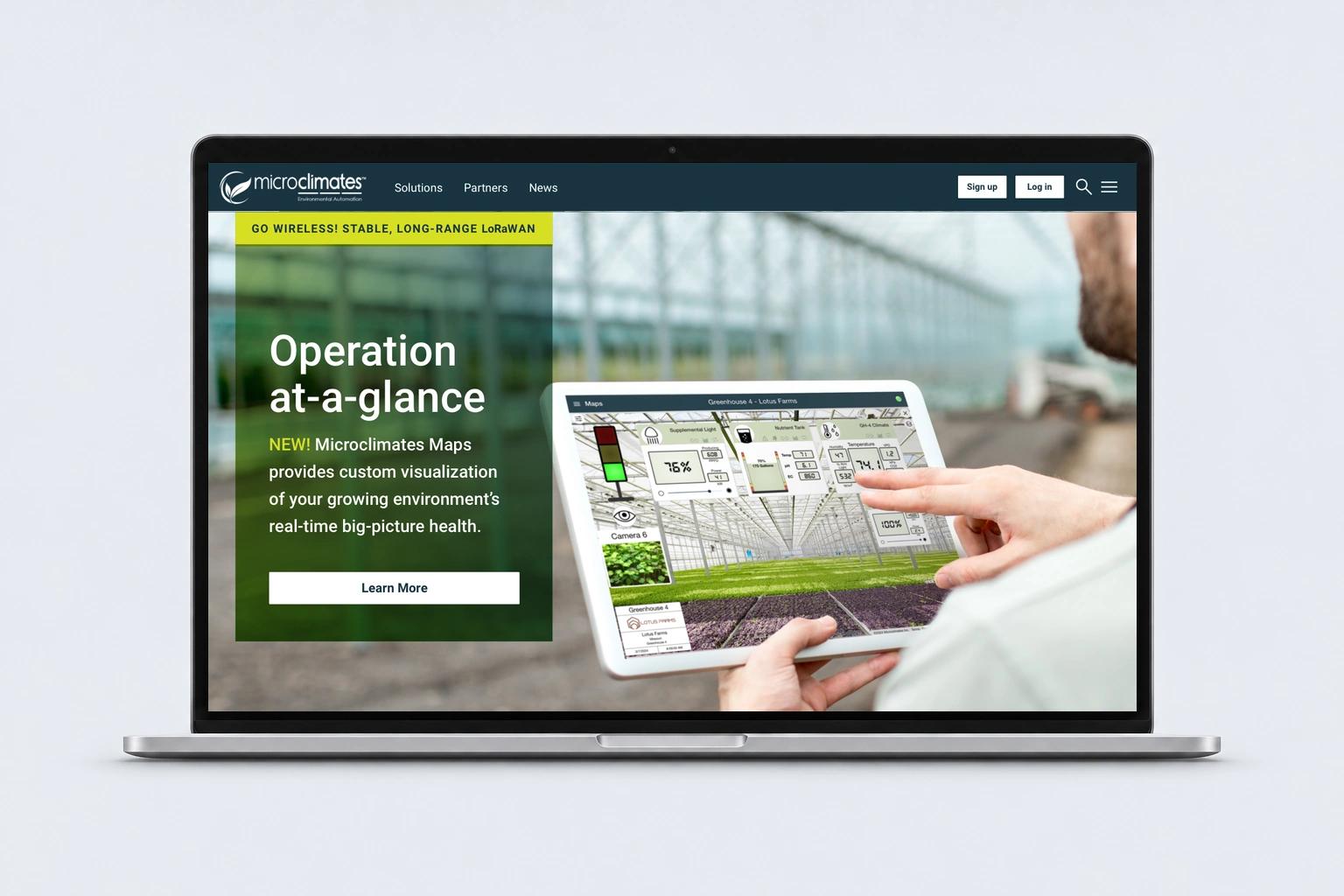
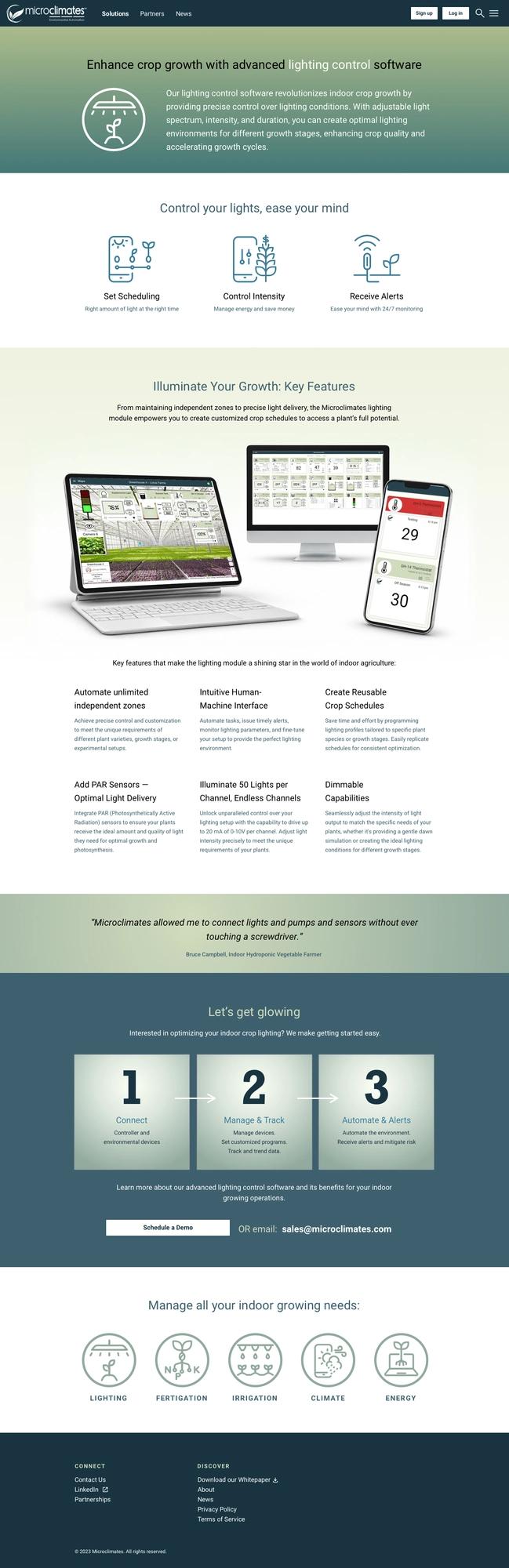
Microclimates’ earlier site served mainly as a business-card site, product portal, and help desk for existing clients. I reorganized the offering into clear product pages, working from a site map through wireframes to finished layouts. The central message was complete environmental monitoring, automation, and control from anywhere. The client handled development, with my design specifications and close collaboration through the build.
Web 2.0: Branching out
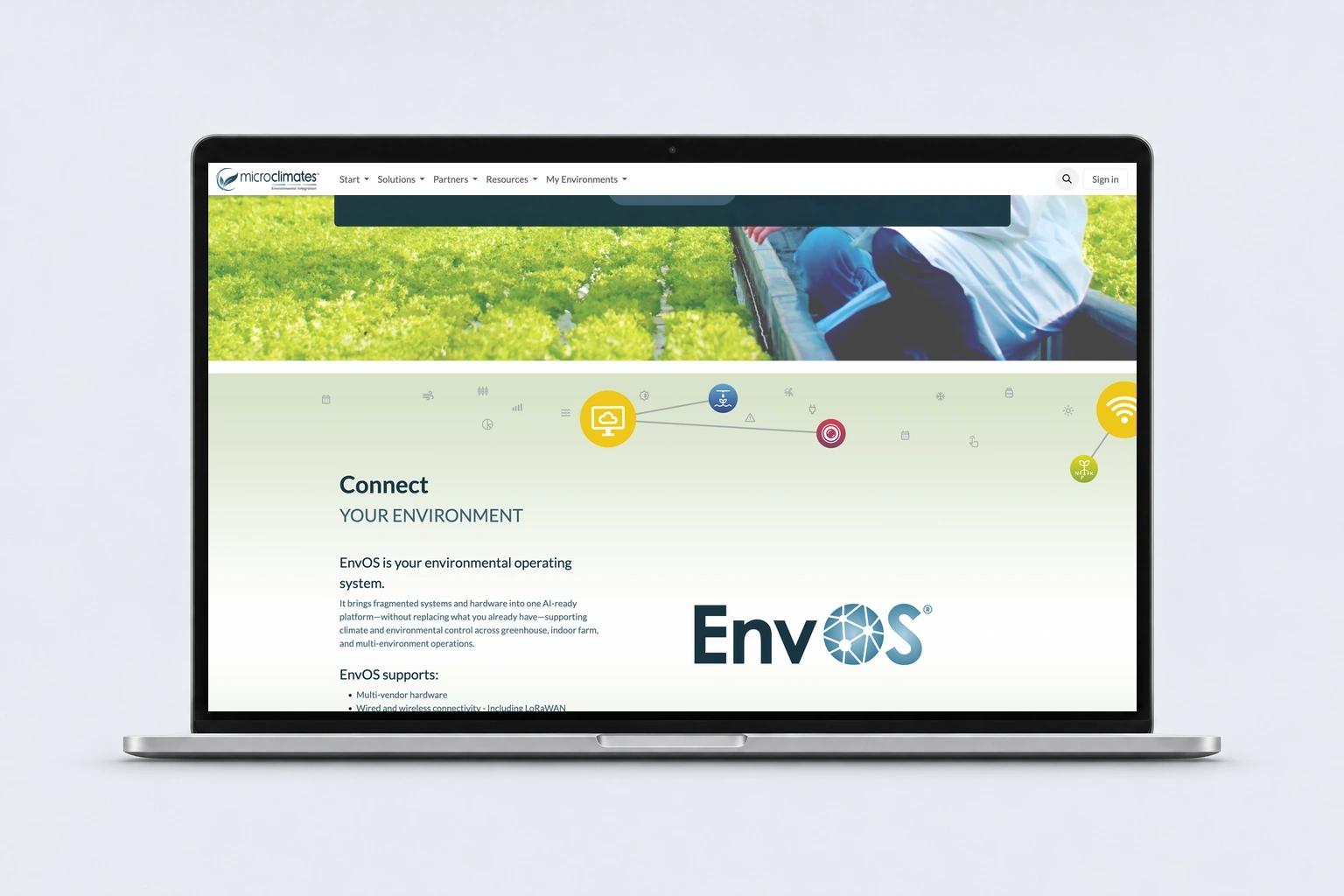
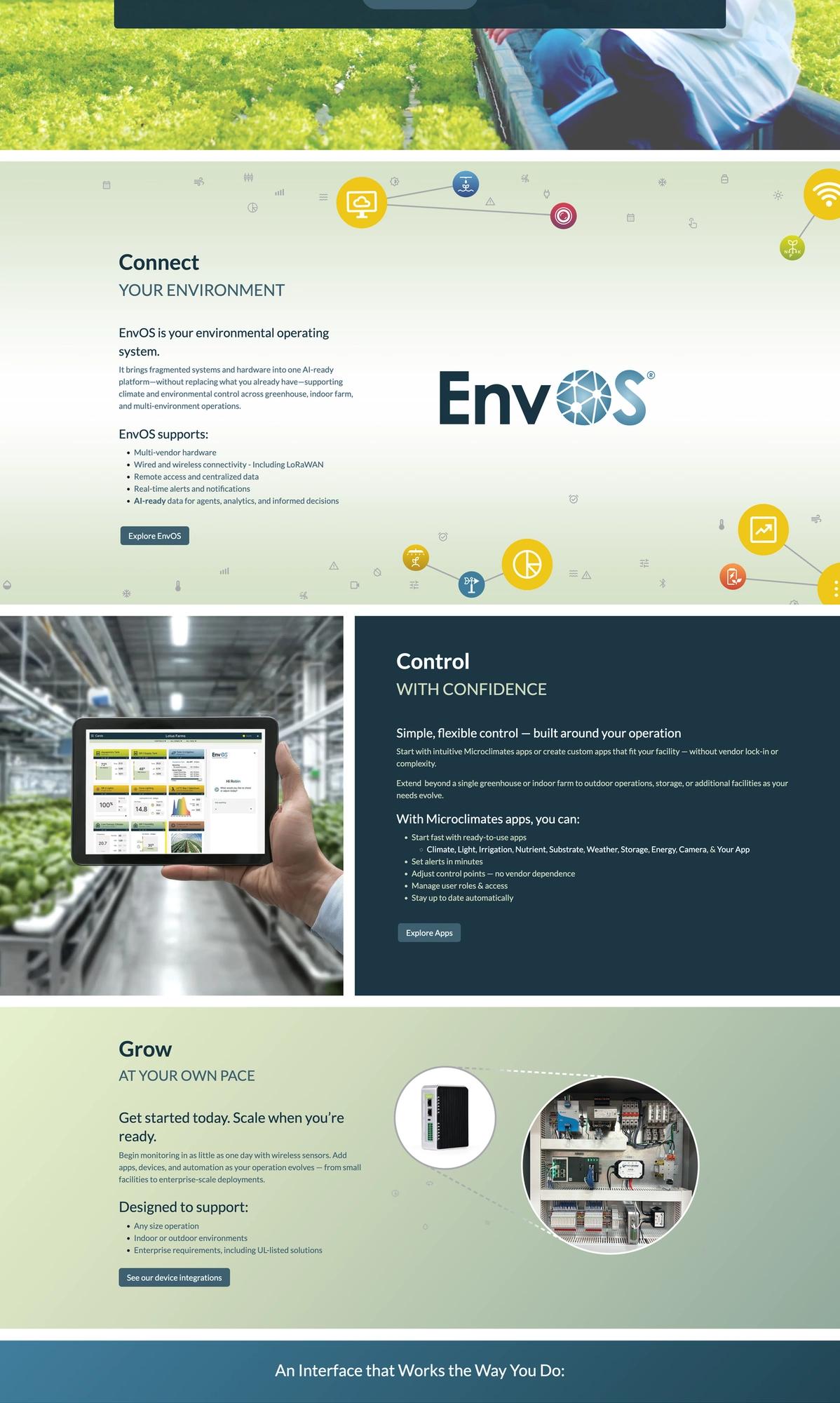
By the next iteration, growers understood the value of environmental control and were looking for AI-ready data. EnvOS, Microclimates’ open-source, hardware-agnostic operating system, became the central story. It connects equipment growers already use with Microclimates apps and their own custom builds. That flexibility supports operations of different sizes and lets growers start with a single sensor and add capabilities at their own pace.
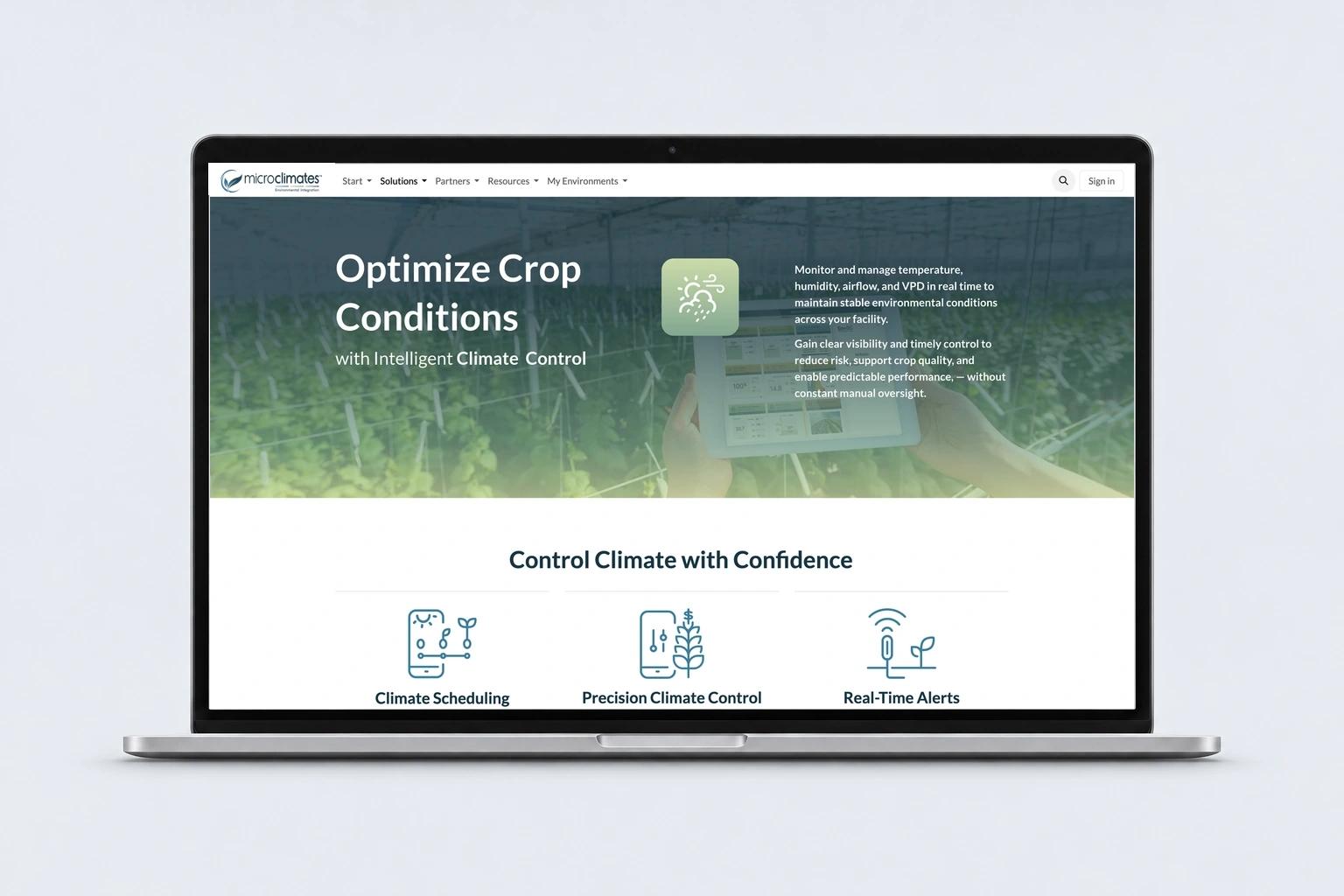
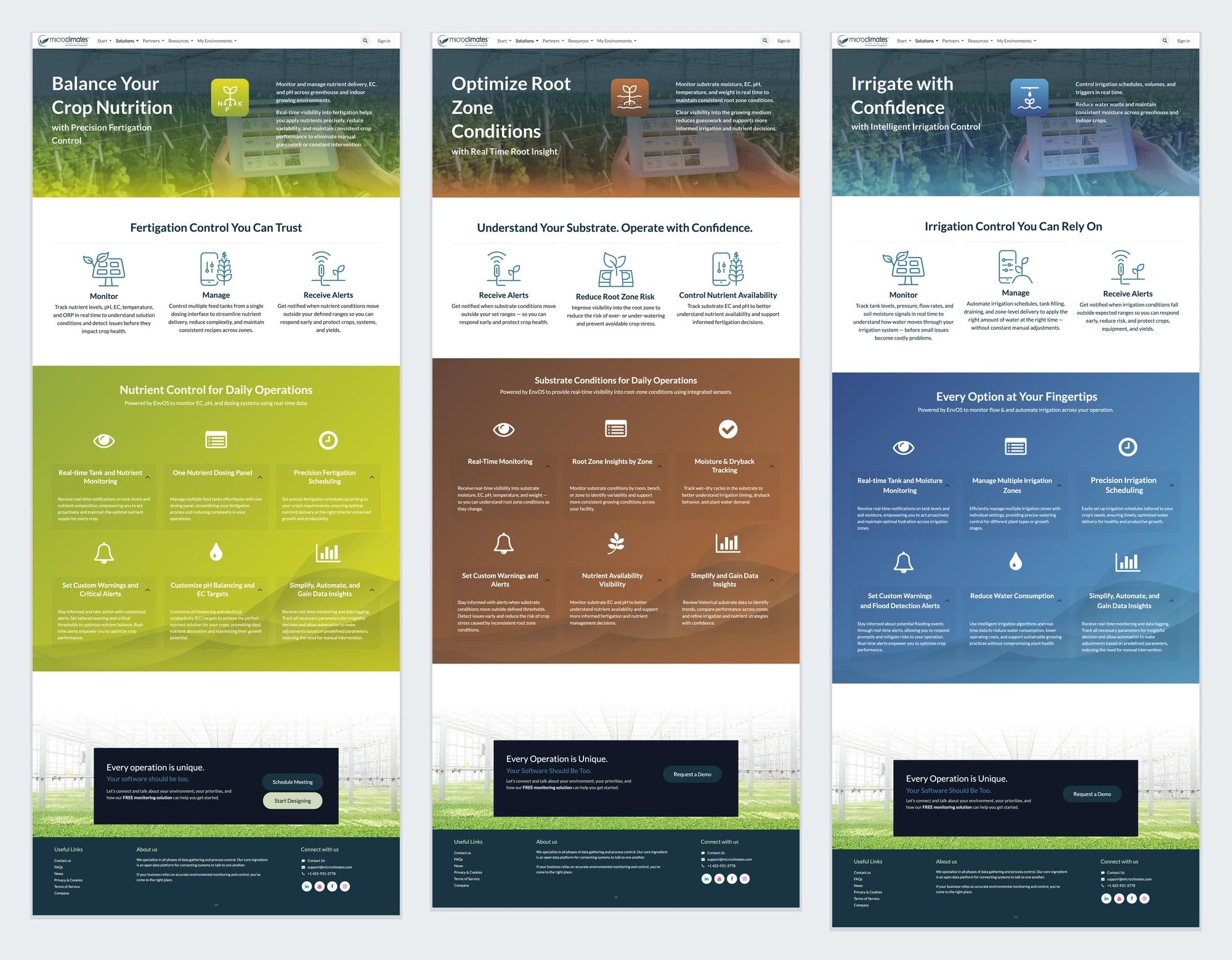
The client moved to a new web platform with future online sales in mind. I developed the site map for an initial launch at an industry event and outlined later rollout phases. Using Figma alongside the online web tool, I shaped the homepage flow and page layouts, supplied branded graphics, and developed reusable elements and app page templates the client’s team could populate themselves.

Bringing the brand into the interface
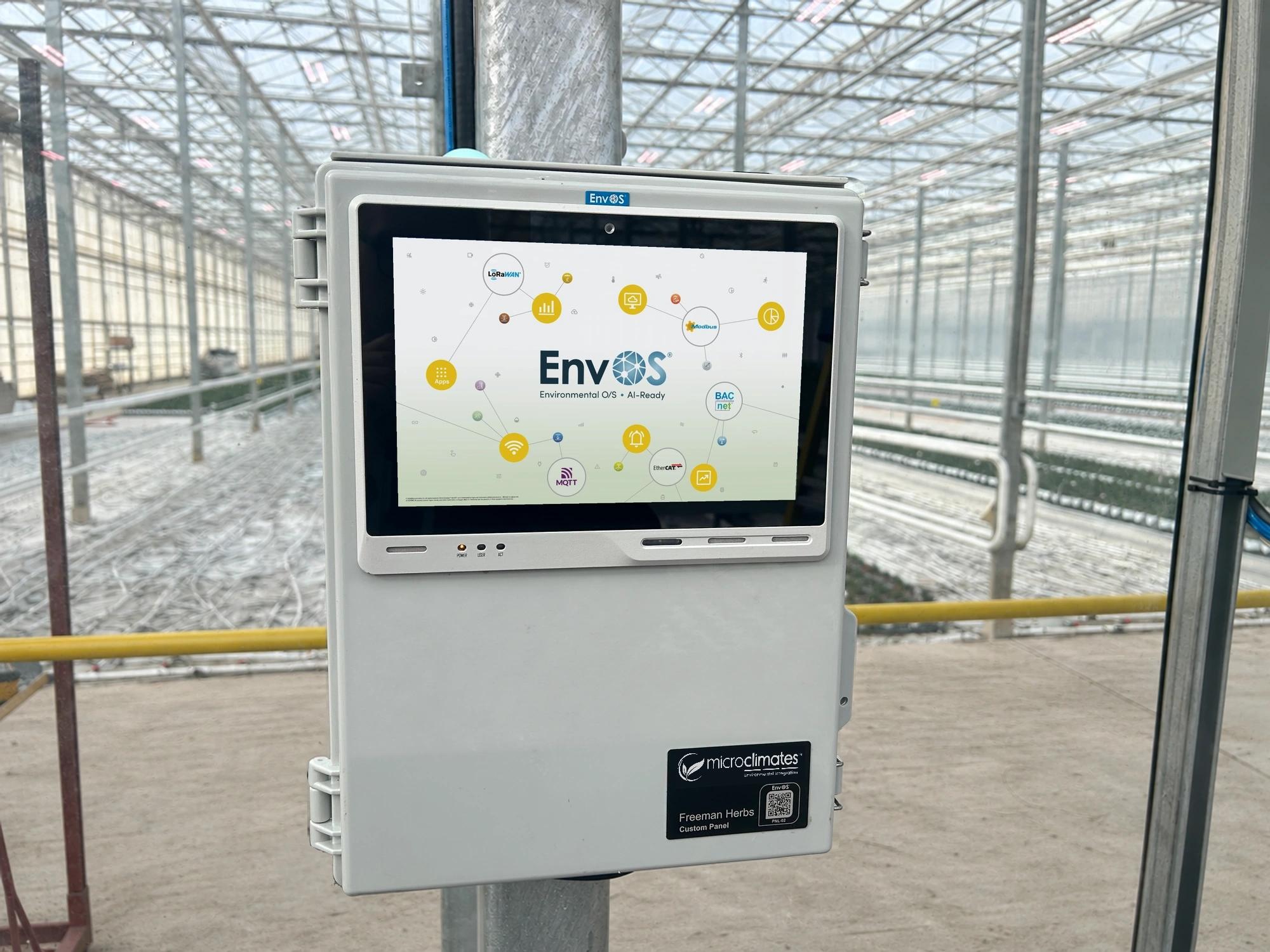
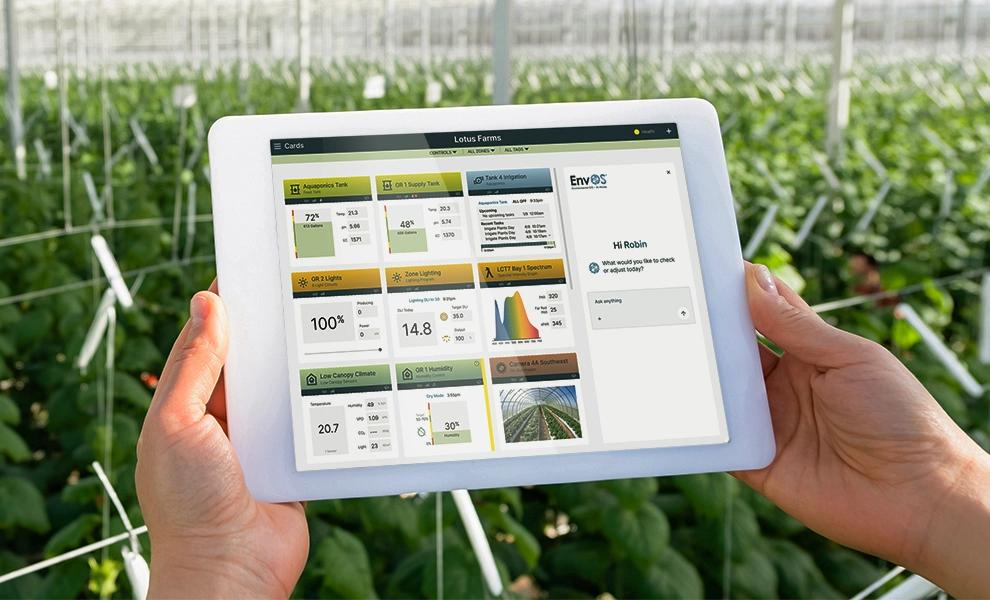
I created the EnvOS software startup screen using the product identity and network illustrations. For a planned interface update, I developed concepts that brought the new app branding and colors into a previously monochromatic product. Refined layouts and icons, color-coded app cards, and a proposed AI agent sidebar showed how the existing interface could evolve with the brand. The mockup is used to represent the product experience.
An ongoing conversation
One of the pleasures of working with Microclimates is seeing what each new conversation brings. As the business grows, the design work grows with it. I’m looking forward to what comes next.
Credits
- Design and creative direction: Robin Maxwell, Swivel Studio
- Website development: Microclimates’ client team